CanHelp
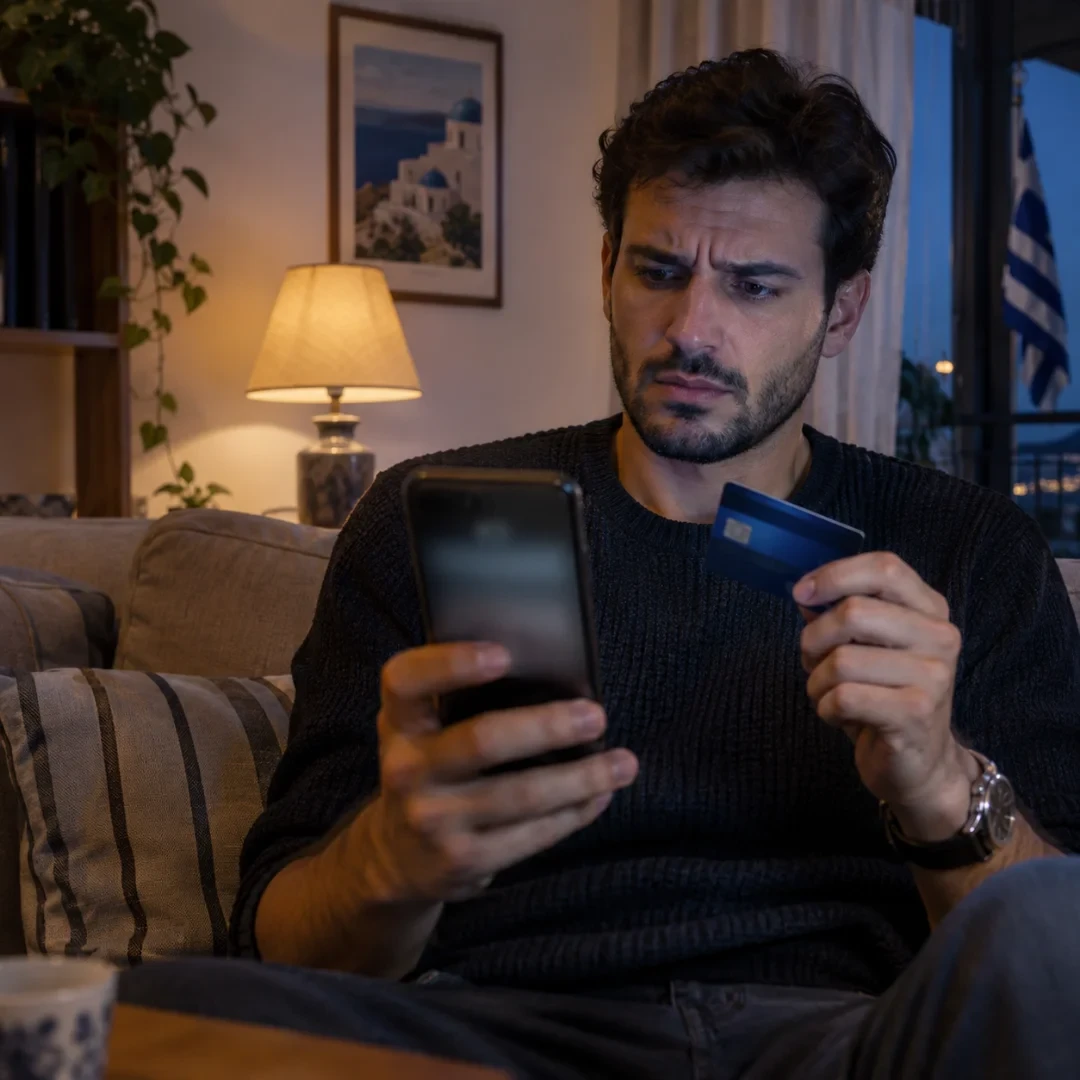
CanHelpFake Payment Link Scams: How to Spot Phishing A fake payment link can arrive in a message from someone posing as a customer or a professional. If you are asked to move to another messaging app or enter your card details, pause and check the request before taking any action. What a suspicious approach can look like A payment link scam often starts with a plausible reason to act quickly. Someone might claim that you need to open a page to receive payment, confirm an agreement or continue a job. They may also insist on moving the conversation to an external messenger before explaining what they need. A request to use another app is not proof of fraud by itself. Treat it with extra care, however, if it comes with urgency, vague answers or a request for personal and banking information. If you are looking for information on how to spot a fake payment link, start by asking what the link is supposed to do and why the sender needs you to open it. For example, a supposed customer might write, “Click here to receive your payment.” A supposed professional might send an unfamiliar page and ask for your card details before discussing the work. A message is not automatically trustworthy just because it refers to a job you recently posted or discussed. Warning signs to look for Check whether the message clearly identifies the sender and the job it concerns. An unexpected link, an unclear explanation or repeated pressure to act immediately should make you stop and think. Be cautious if the person avoids straightforward questions and keeps telling you to visit a page instead. Look carefully at a link’s address, but do not rely on its appearance alone. A page can look familiar while being unrelated to the service it claims to represent. If you are unsure, do not open the link or enter card details, passwords or confirmation codes. When searching for “how to avoid payment scams”, remember to assess the whole conversation. A sudden shift from discussing a task to demanding card information deserves an explanation. You can reply in the existing chat: “Please explain what this link is for. I would prefer to continue our conversation here.” Why keep the conversation on the platform? Whether you are looking for a professional in Athens or responding to a nearby job, keeping the conversation on the platform helps you keep the relevant details together. You can return to what you discussed about the work, the price and the time without searching through several messaging apps. If someone insists that you leave the chat before explaining the task, you do not have to follow them. Ask why the move is necessary and continue only when you understand the request. Keeping a conversation in one place does not remove every risk, so assess each message and link carefully. The same approach applies when you search for “services near me” in Glyfada, Marousi or Piraeus, or look for work in Thessaloniki, Patras or Heraklion. A familiar place name does not establish who is behind a message. What to do if you suspect phishing Stop responding to pressure, avoid opening the suspicious link and do not share your details. Keep the message and relevant information so you can explain what happened when you seek help. Do not pass the link on to others as if it were safe. If you have already entered card details or passwords, contact your bank immediately using official contact details you know, rather than a number or link in the suspicious message. Follow the bank’s instructions and change any passwords you disclosed. If you use the same password elsewhere, change it there too. Before continuing with an agreement, review the job and ask about anything that remains unclear. You can stop a conversation that makes you feel pressured, even if the other person says the matter is urgent. Using CanHelp with care On CanHelp, you can post a job for free. Professionals nearby can see it on the map and send you offers. Look at their profiles and reviews, then discuss the price and timing directly in the chat. The customer and professional agree on the price and payment directly. If a message suddenly asks you to follow an unfamiliar payment link, request an explanation and do not enter information simply because someone asks you to. If you are a professional or looking for extra work, create a profile and explore jobs near you. The platform commission is 0%, and Basic is free forever for people who register now. Apply the same caution if a supposed customer sends you a link or asks for card information. Frequently asked questions How can I spot a fake payment link? Look for unexpected links, pressure to act and requests for card details or codes. If you are uncertain, do not open the link and ask for an explanation. Do I have to move to another messaging app? You can ask to continue in the platform chat. Take particular care if the request comes with pressure or a demand for sensitive information. Should I give my card details to receive an offer? Do not give card details to an unknown person simply because they request them in a message. Examine the request and ask for a clear explanation before acting. What if I clicked the link? Close the page without entering information. If you disclosed card details or passwords, contact your bank immediately and follow its instructions. How are the price and payment agreed? The customer and professional agree on the price and payment directly. Discuss the details clearly and treat unfamiliar links with care. Register at canhelp.gr to post a job or explore jobs near you. The app is available for Android and iPhone.
← All posts