CanHelp
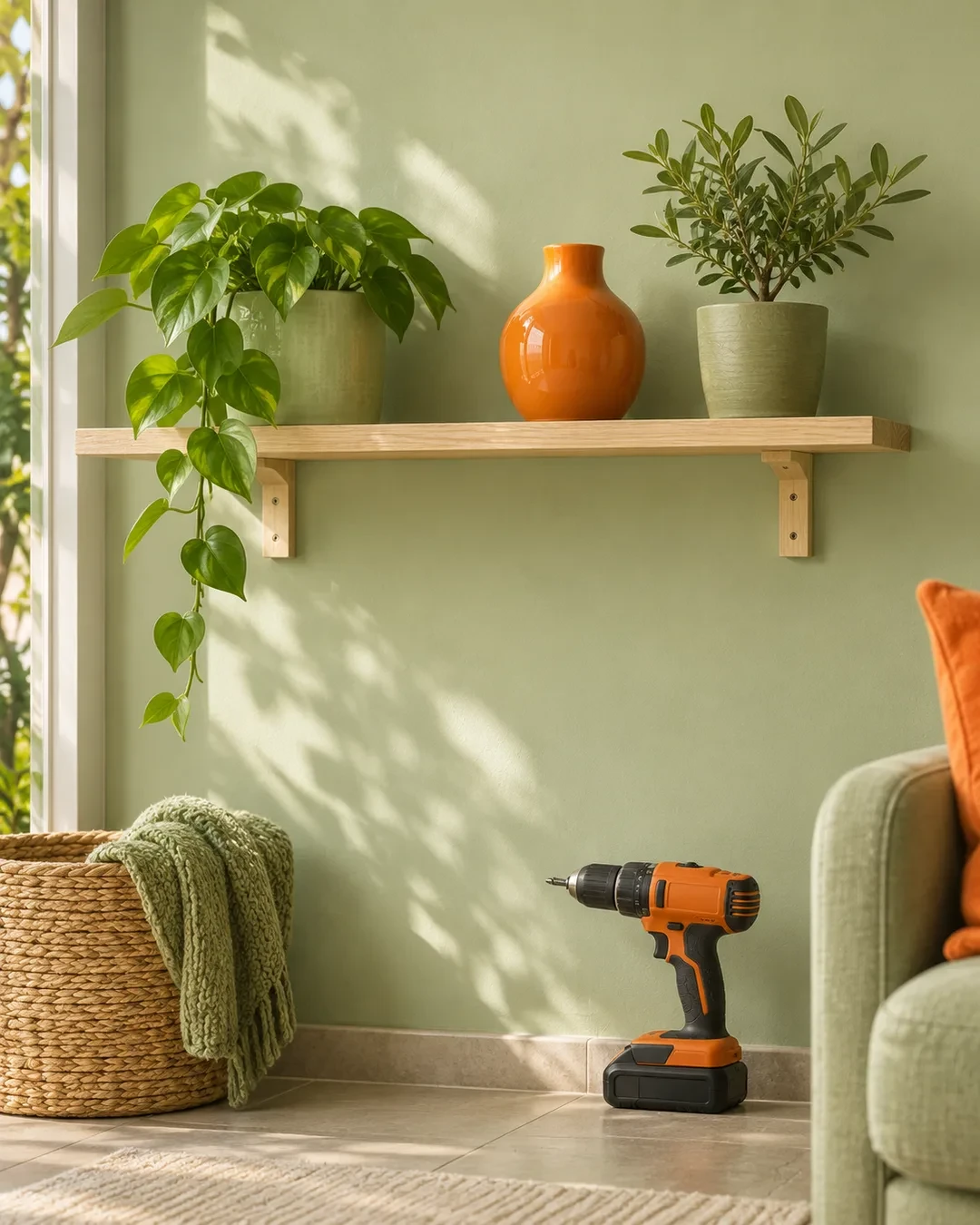
CanHelpBefore and after photos that protect client privacy Before and after photos are the quickest way to show a prospective client what you can do. A useful portfolio shows the work clearly while respecting the home and privacy of the client whose space you photographed. Tell the story with three photos You do not need a tour of someone's home to demonstrate your skills. Three photos are enough: before the work, during the work, and after completion. Together, they explain the original problem, give a glimpse of your approach, and show the result. For the before photo, choose an angle you can use again for the after shot. If you are fitting a shelf, focus on the relevant wall rather than the whole room. Keep a similar distance and framing so viewers can compare the two images easily. During the work, photograph tools or materials that help explain what you are doing. For the final image, use natural light and a tidy space. Before taking it, check that the result is clearly visible and that unrelated objects do not distract from the work. A straightforward comparison is more useful than several photos that reveal little about the task. Check the background for private details Keep the faces of adults and children out of every photo. Look beyond the main subject: mirrors and other reflective surfaces can include people who appear to be outside the frame. Family photographs in the background can also reveal faces. Door numbers, names on doorbells, and views that identify the address should not be visible. A window overlooking a recognisable building may reveal more than you intended. If the view adds nothing to the example, change your angle or frame the work more tightly. Personal photographs, documents, and screens must also stay out of the image. Ask the client to move personal belongings if they are in the way. Review each photo before uploading it, enlarging the background and checking the edges. The aim is to show your work without giving strangers a view into the client's private life. Ask permission and write a useful caption Always ask the client before uploading photos of their home. You can say: "May I put a photo of the wardrobe on my profile, with nothing personal in it?" Explain which image you want to use and where it will appear. If the client does not agree, do not publish it. Write one line describing the problem and what you did. For example: "Shelf mounted on plasterboard with special anchors." Choose a factual description that helps a reader understand the task. Avoid vague praise that says little about the work itself. Someone searching "looking for someone to fit shelves in Athens" or "shelf installation near me" wants relevant examples. A clear caption helps them see whether your experience matches their needs. You can describe the type of work without naming the client or identifying the property. If you mention a location, keep it broad and avoid details that point to a particular home. Use your portfolio on CanHelp Add your photos to your specialist profile on CanHelp after checking the images and obtaining the client's permission. Choose examples that explain the work you offer. A few distinct examples are easier to understand than many nearly identical shots. For clients wondering how to find a specialist in Greece, the process starts with posting a task for free. Nearby specialists see it on the map and send offers. You can review profiles and reviews, then agree on the price and timing directly in the chat. Price and payment are arranged directly between the client and the specialist. Whether you work in Glyfada, Kifisia, Chalandri, or Piraeus, the same care applies to every portfolio photo. It also applies to work in Thessaloniki, Patras, Heraklion, and Larissa. If you are looking for extra work, complete your profile and look for tasks nearby. The platform charges 0% commission, and Basic is free forever for those registering now. Frequently asked questions How do I take clear before and after photos? Use the same angle and similar framing for both images. Take the final photo in natural light with the space tidy. Are photos without faces enough to protect privacy? Check for address details and personal belongings too. Documents, screens, family photos, and identifying window views should remain outside the frame. Should I ask permission if I only photograph a wardrobe? Yes, always ask before uploading photos taken in a client's home. Show the client which image you would like to use. What should I write in a before and after caption? Explain the original problem and the work you completed in one clear line. Include only details that accurately describe that task. Where should I add my work photos? Add them to your specialist profile on CanHelp. Select images that clearly show your work and respect the previous client's privacy. Register at canhelp.gr to present your work with thoughtful before and after photos. The CanHelp app is available for Android and iPhone.
← All posts