CanHelp
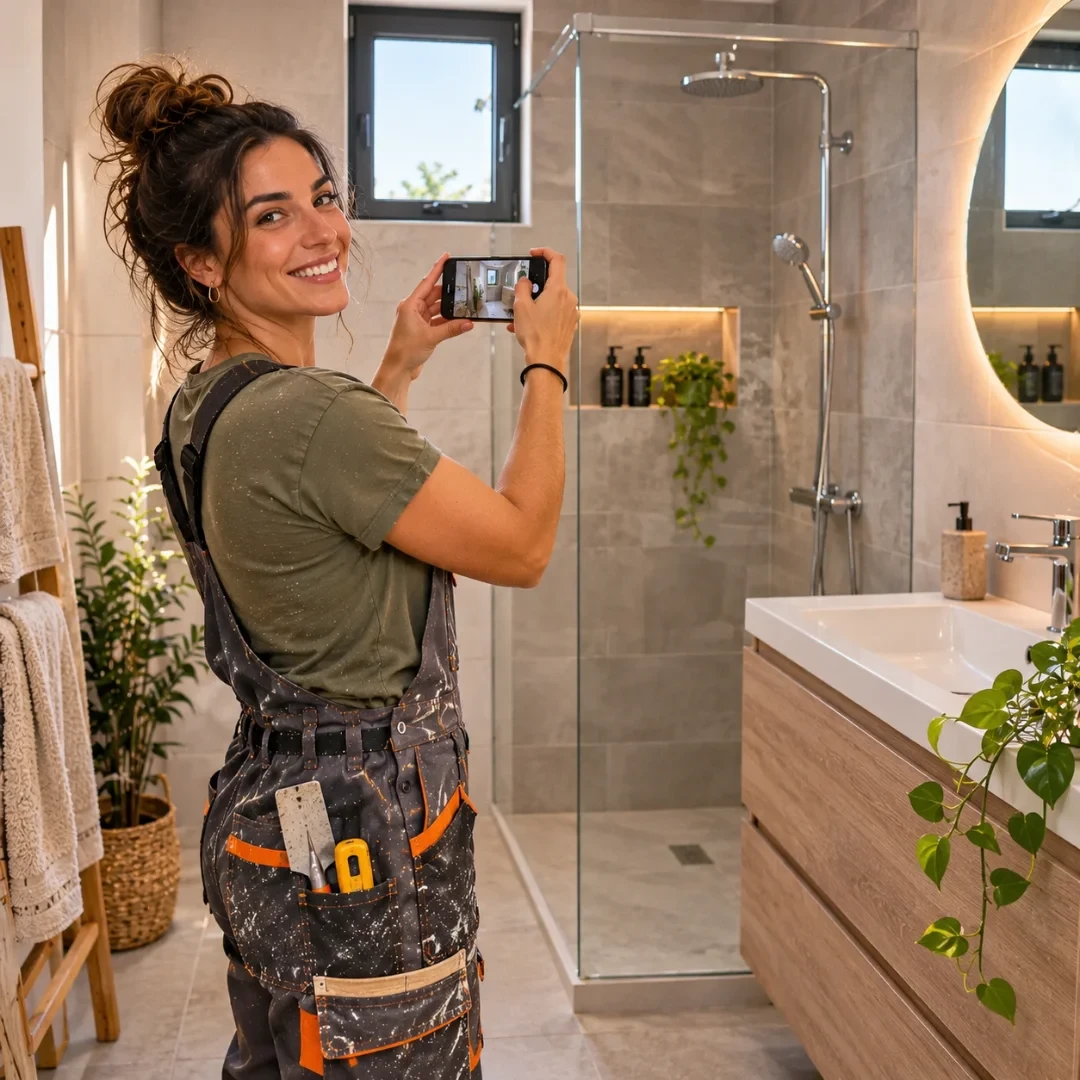
CanHelpWork photos for your professional profile When you are looking for a professional, a clear photo can tell you a lot about the work they do. The same is true of your own profile: you can use your phone to show potential customers what you have made, repaired or improved, with a little care for light, framing and privacy. Start with window light and a tidy frame If you can move the object you have worked on, place it near a window and look at it on your phone screen before taking the picture. Daylight can make colours and textures easier to see. If the window is directly behind the object, the work itself may look dark, so try standing somewhere else until the details are visible. Some jobs cannot be moved. You might have painted a wall in an Athens flat, restored a piece of furniture in Piraeus or tidied a small garden in Thessaloniki. Use the light available in the room or outdoors, and check whether your own shadow falls across the result. Open the curtains if that helps. A quick look around the frame can also reveal a shopping bag, cleaning cloth or pile of tools that distracts from the work. You do not need to make a customer’s home look like a showroom. Simply move unnecessary items when you have permission and photograph the result as it really is. Think about what you would want to see if you were looking for a professional near me: a picture clear enough to understand on a phone, with the work itself easy to find. Photograph before and after from a similar angle Before-and-after photos are useful when the change is easier to understand through comparison. Ask the customer for consent before taking and sharing pictures. Then choose a position you can return to once the work is complete. Try to include the same area in both frames and keep the angle similar. Imagine a balcony that needs attention. A wide photo before you begin and another from roughly the same spot afterwards can show what changed. If the first picture is taken from the doorway and the second is a close-up from the opposite side, a customer looking at your profile may struggle to compare them. You can still add a close-up, but use it to show a detail alongside the wider view. Check both images on your screen. Can you tell what you are looking at? Does a railing, a door or another familiar feature help orient the viewer? A straightforward comparison can be more useful than an elaborate picture whose subject is unclear. Show the whole job, then the details Start with a wider image that gives the work context. Follow it with a closer view of the finish, texture or part that needed particular care. For a repaired chair, the wider picture can show the whole piece, while a close-up can show the area you worked on. For a freshly painted room, a detail might show the edge of the finish, provided the image remains clear and honest. Wipe the phone lens and hold the camera steady. Try a photo at the height of the object as well as one from another angle; a picture taken from too close or too high can make its shape difficult to understand. Avoid heavy filters that change the appearance of your work. Choose photos of jobs you actually completed and add a short description explaining what you did. People searching for how to photograph work for a professional profile are often looking for a complicated setup. You can start with a clean lens, natural light and a few thoughtful frames. Someone looking for a professional in Athens may simply want to see work similar to the task they have in mind. Keep customers’ details private Agree with the customer on what you may photograph and publish. Do not post customers’ faces or addresses without their consent. Before sharing an image, look beyond the main subject: an envelope on a table, an address sign outside a door or a family photograph on a shelf may reveal more than you intended. If something private is in view, change your angle or remove it from the frame before taking the picture, where appropriate and with permission. The same care applies whether the job is in a busy Athens neighbourhood or a quieter street in Patras. You can show the quality and character of your work while respecting the people who invited you into their space. Using your profile on CanHelp A customer can publish a task on CanHelp for free. Professionals nearby see it on the map and can send offers. The customer can look at your profile and reviews, then discuss the price and time with you directly in the chat. Clear work photos give that customer something practical to look at when deciding whom to contact. Keep your profile up to date and look for tasks near you, whether you work in Athens, Thessaloniki, Heraklion, Larissa or elsewhere in Greece. The platform charges 0% commission, and Basic is free forever for people who register now. Frequently asked questions Do I need a professional camera? No. Your phone can be enough if you pay attention to light, framing and keeping it steady. What should I photograph in a small space? Show as much of the finished work as you can clearly, then take a closer picture of a useful detail. Check the background for private information. How do I take useful before-and-after photos? Ask for the customer’s consent and photograph the same area from roughly the same position before you start and after you finish. Can I post a customer’s face or address? Only with their consent. Check the entire frame, including signs, papers and reflections, before publishing. How can photos help a customer choose? They show examples of your work and help the customer understand what you have done. The customer can also look at your profile and reviews before getting in touch. Register at canhelp.gr, prepare your profile and show your work with clear, respectful photos. The app is available for Android and iPhone.
← All posts