CanHelp
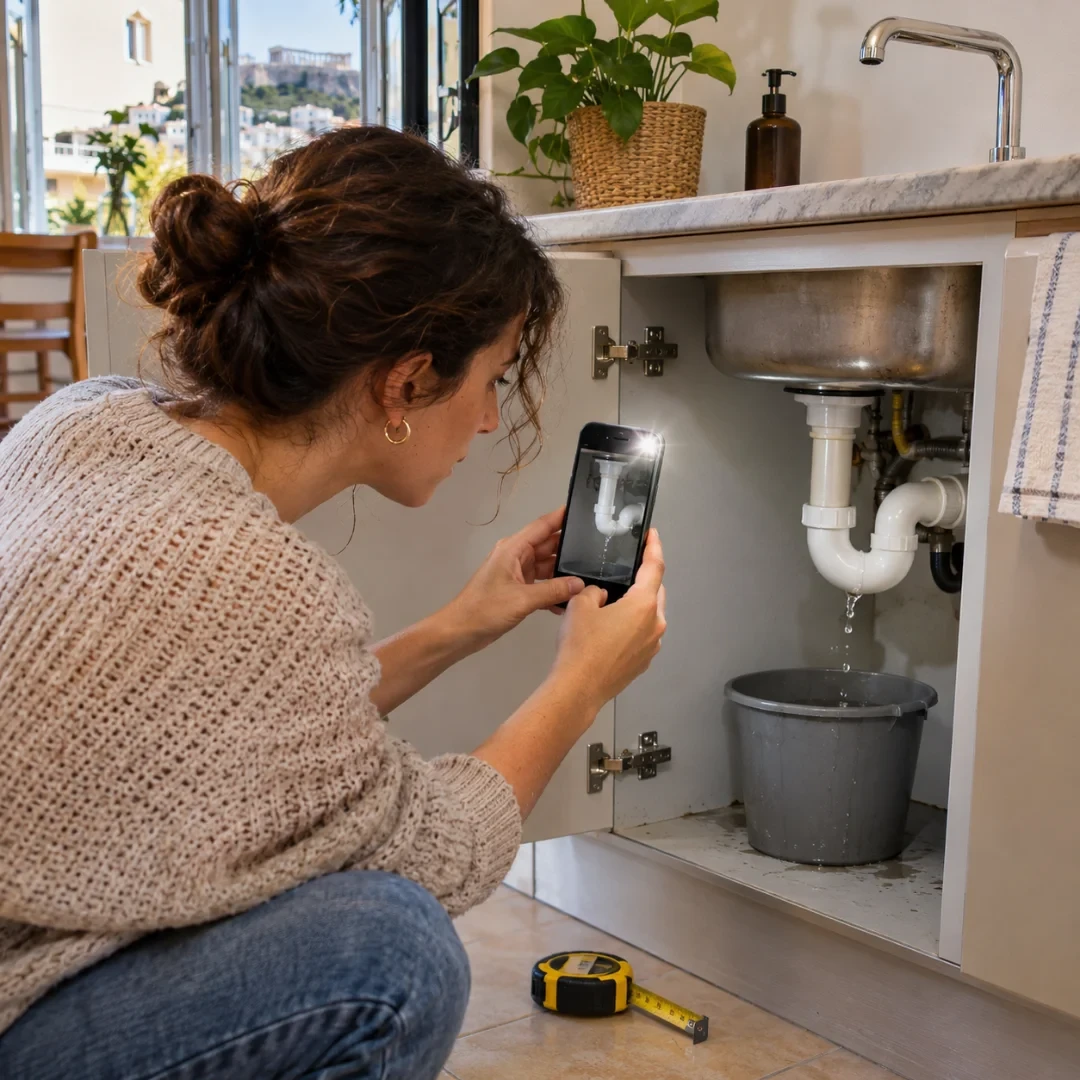
CanHelpPhotos for a repair listing: what to show Clear photos for a repair listing help a professional understand what you need before sending an offer. A wide shot, a close-up and a few practical details can make your task easier to assess and discuss. Start with the whole picture Take a photo of the complete item and its surroundings before zooming in on the damage. If a door will not close properly, show the whole door first, then photograph the affected hinge or frame. For a damp patch, show where it is in relation to the sink, wall or floor. A wide shot gives the professional context. It can show where the item is located, how much room there is around it and which part of the space needs attention. You do not need to photograph your entire home: include only what helps explain the task. If you are looking for a repair professional in Athens, add your area to the description and explain what each image shows. You might write: “The first photo shows the door; the second shows the loose hinge.” The same approach works whether you are in Glyfada, Kifisia, Marousi, Peristeri, Chalandri, Piraeus or another area. Show the damage up close After the wide shot, take a clear close-up of the part that needs attention. Make sure the crack, worn area or component is in focus and visible from end to end. A second photo from another angle can help show its position or depth. A short video can add useful information when the problem involves movement or sound. For example, you could show how a drawer moves or record an unusual noise from an appliance. Explain what happens in writing too: a sound or movement that seems obvious to you may be less clear to someone seeing it for the first time. Do not dismantle an appliance or approach electrical parts or another hazardous area just to get a better image. If you cannot photograph the problem safely, show the outside and describe what you noticed. You do not need the technical name for a fault to explain it: say what the item normally does and what has changed. Someone searching for “how to describe a repair job” can start with simple observations. Does a window stick when you open it? Does the problem happen every time or only under certain conditions? These details give the professional something useful to discuss with you. Add measurements and model details Photos are more useful when they are accompanied by relevant measurements. Depending on the task, note the width and height of a door, the length of a crack or the space available around an item. You can include a tape measure in a photo, but write the measurements in the description as well so they are easy to read. For an appliance, include the make and model if you know them. A clear picture of the model label may help, provided you cover details you do not need to share. Describe the symptoms in everyday language: “The appliance turns on but does not complete its cycle” gives more context than “It is broken.” Mention when you noticed the issue and whether it is constant or occasional. If you are unsure which part is responsible, say so instead of guessing. Images and descriptions help a professional assess the task, but they may need to ask questions before you reach an agreement. Improve the light and protect your privacy If the room is dark, switch on the available lights or add light from a safe position. Avoid shining a light directly onto a reflective surface, where glare can hide the detail. Clean your phone lens, hold the camera steady and check the result before adding it. If the image is blurred or too dark, try again from a different angle. Check the background of every photo and video. Move or cover documents, banking information, keys, valuables and anything else that reveals personal information. Look for reflections in mirrors and screens, and listen for private conversations or other information in the audio. Share only what is needed to explain the task. Post your task on CanHelp On CanHelp, you can post a task for free with a description and relevant images. Professionals near you can see the task on the map and send offers. Review their profiles and reviews, ask any questions, and agree on the price and timing directly in the chat. Payment is arranged directly between you and the professional. Whether you are searching for “repair help near me” in Thessaloniki or looking for a professional in Patras, Heraklion or Larissa, a clear description helps explain what you need. If you are a professional, create a profile and look for tasks near you. The platform charges 0% commission, and Basic is free forever for people registering now. Frequently asked questions How many photos should I add? Add enough to show the item, its position and the damage. Choose clear images that each contribute useful information. Do I always need a video? No. A short video can help when it shows movement or captures a sound that a photo cannot convey. What if I do not know the appliance model? Describe the appliance and the problem in plain language, and add clear photos. Mention that you do not know the model. Can a photo determine the final price? A photo helps explain the task, but more information may be needed. Discuss the price directly with the professional before agreeing. What should I keep out of the images? Keep documents, banking details, keys, valuables and other personal information out of view. Check the background and reflections before posting. Register at canhelp.gr, describe your task and add images that show what needs attention. CanHelp is also available as an app for Android and iPhone.
← All posts