CanHelp
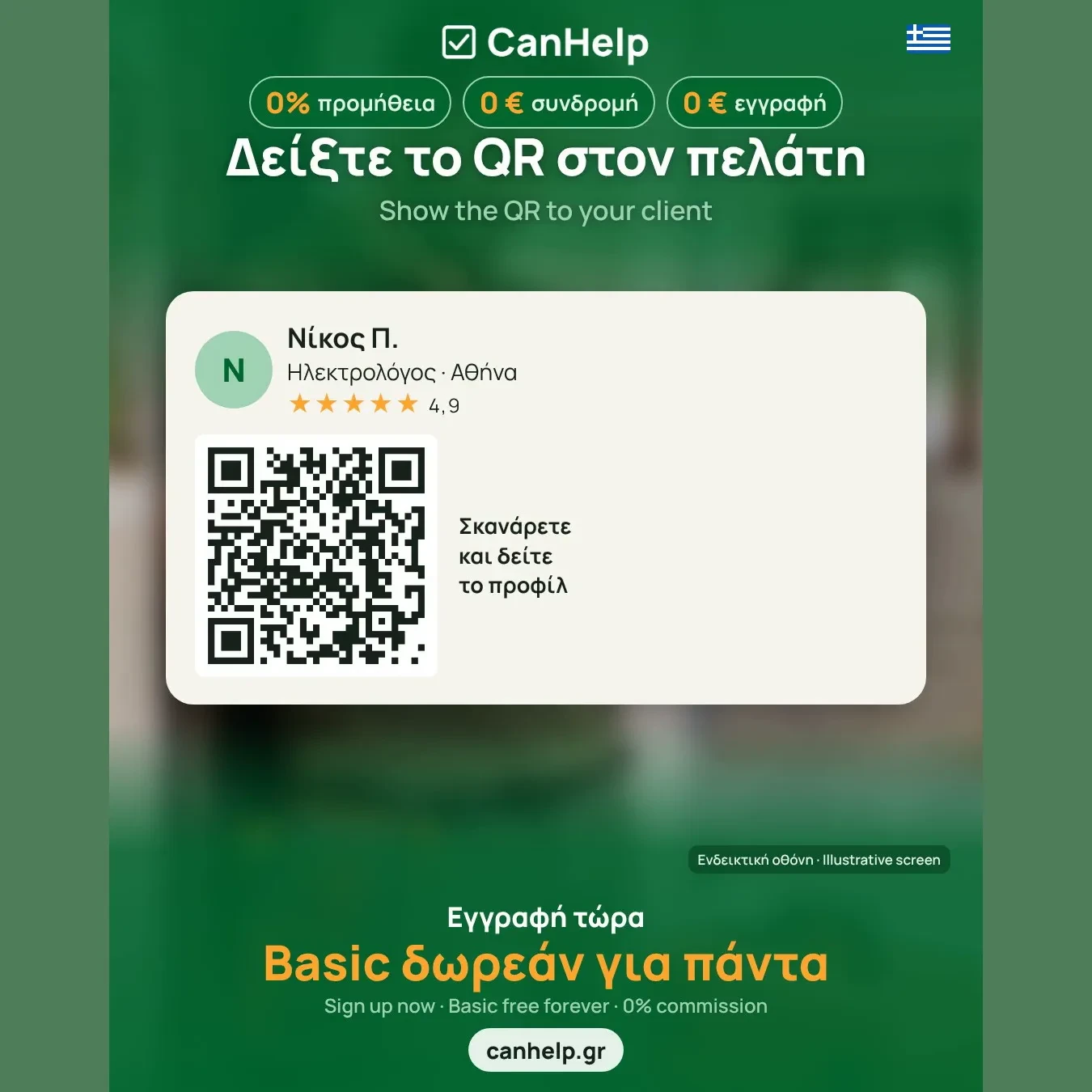
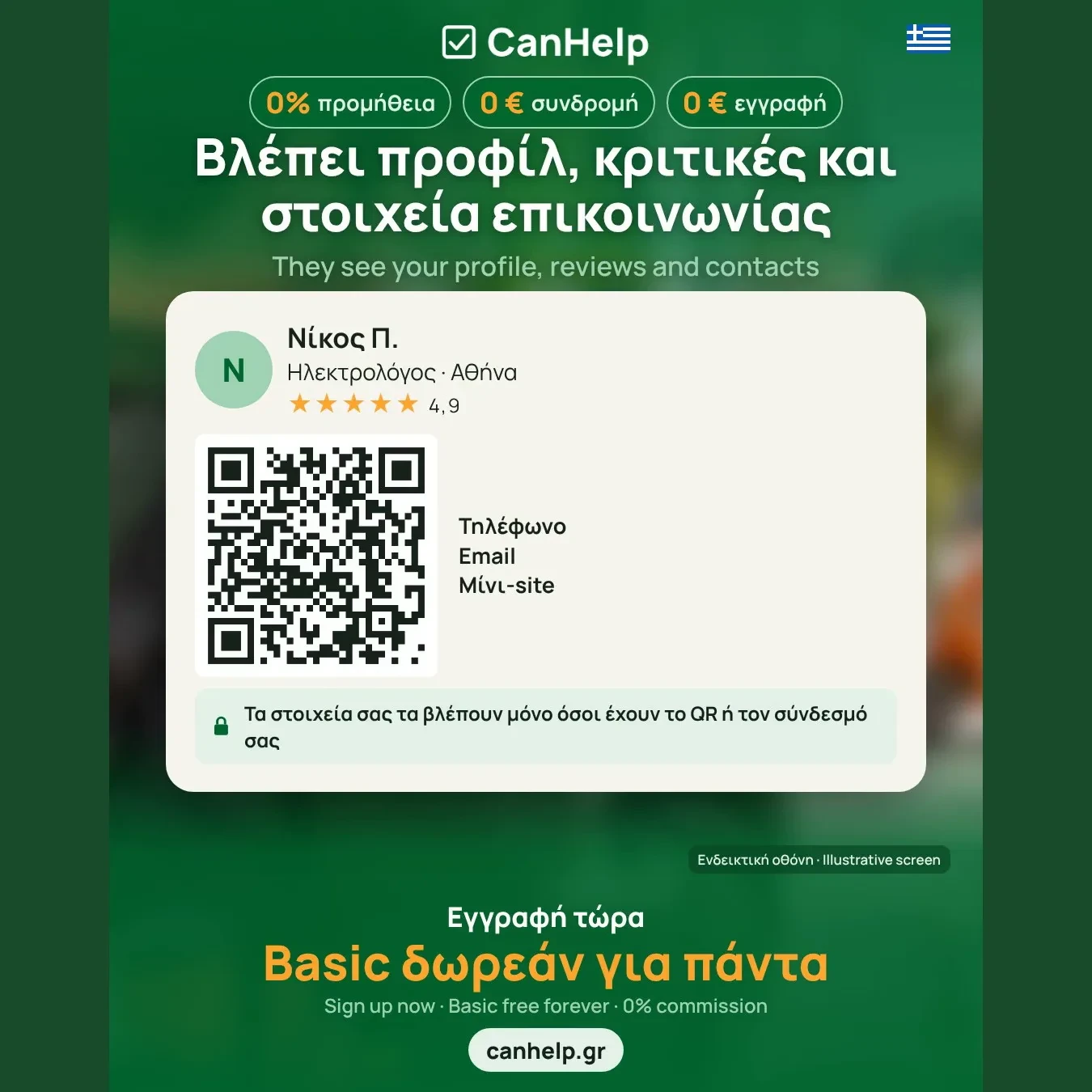
CanHelpDigital card with QR for professionals A digital card with QR for professionals helps you showcase your work at the moment someone wants to learn more about you. The client scans the code and sees your profile on CanHelp, your projects, ratings, and your contact information. Your profile acts as a small professional site: it gathers everything you want to present in an easy-to-remember address. The contact information is shown only to those who visit the profile via the QR code or its link. What the client sees when scanning the QR When someone searches for a professional in Athens or types "looking for a craftsman near me," they usually want to understand who will take on the job and what work has been done. If you have already met a potential client, the QR gives you a simple way to show them your profile at that moment. The client can see the projects and ratings displayed on your profile, as well as your contact information because they reached it through the code. Thus, instead of trying to remember your name after a short conversation, they have your page in front of them and can refer to it. Consider a casual meeting: you are talking to someone who needs a job done at home, and they ask what you do. You can show them the QR and tell them that on your profile they will find examples of your work. The same approach is useful when an existing client wants to keep your contact information for a future need. How to present your work on the profile A digital business card has more value when the profile behind the code clearly explains what you do. Describe the jobs you undertake in simple terms, using expressions a client might use. Someone may be searching for "how to find a professional in Greece" without knowing the exact name of a specialty. Show projects that represent your work and provide enough context so that the visitor understands what they are seeing. For example, a brief description of the type of work can help more than a general phrase. Also, make sure your contact information is correct for those accessing the profile via your QR or link. Ratings give the visitor another element to get to know your work. Present your profile honestly and ensure the content reflects the services you offer today. A clear profile helps the client start a more meaningful conversation with you. Where you can use the QR code Place the code in spots that make sense for how you work. On your work vehicle, it can accompany your name and a brief description of your specialty. On a tool or equipment, choose a position where the code remains visible and does not interfere with safe usage. You can also show the QR after the completion of a job. Tell the client that they can scan it to see your profile and contact information. If you post an advertisement, the code or link to your profile can give the interested party a way to learn more about your work. Whether you work in Glyfada, Kifisia, Marousi, Peristeri, Chalandri, or Piraeus, tailor the message to your audience. The same applies in Thessaloniki, Patra, Heraklion, and Larissa. A simple phrase like "Scan to see my professional profile" explains what the client will find without unnecessary promises. CanHelp for the professional Your profile on CanHelp can function as your small professional site, while the QR and the link help you present it to clients. If you are looking for jobs near you, fill out your profile and see the jobs in your area. A client can post a job for free, and the professionals nearby can see it on the map and send an offer. The client can view your profile and ratings and discuss the price and time directly in the chat. The price and payment are agreed upon between the client and the professional. The platform's commission is 0%, while the Basic plan is free forever for those signing up now. Frequently asked questions What is a digital card with QR for professionals? It is a way to present your professional profile through a code that the client can scan. On the CanHelp profile, they can see your projects, ratings, and contact information. Who sees my contact information? The contact information is visible to those who visit your profile through the QR or its profile link. Can I use the QR on a work vehicle? Yes, you can display it on your vehicle, along with a brief explanation of the profile it leads to. Make sure it is clearly visible. What can I show after a job? You can show the client the QR and invite them to view your profile, projects, and contact information. How are the price and payment agreed upon? The client and the professional agree directly with each other. You can discuss the job, price, and time in the chat. Sign up at canhelp.gr, create your professional profile, and present it with your QR. CanHelp is also available as an app for Android and iPhone.
← All posts