CanHelp

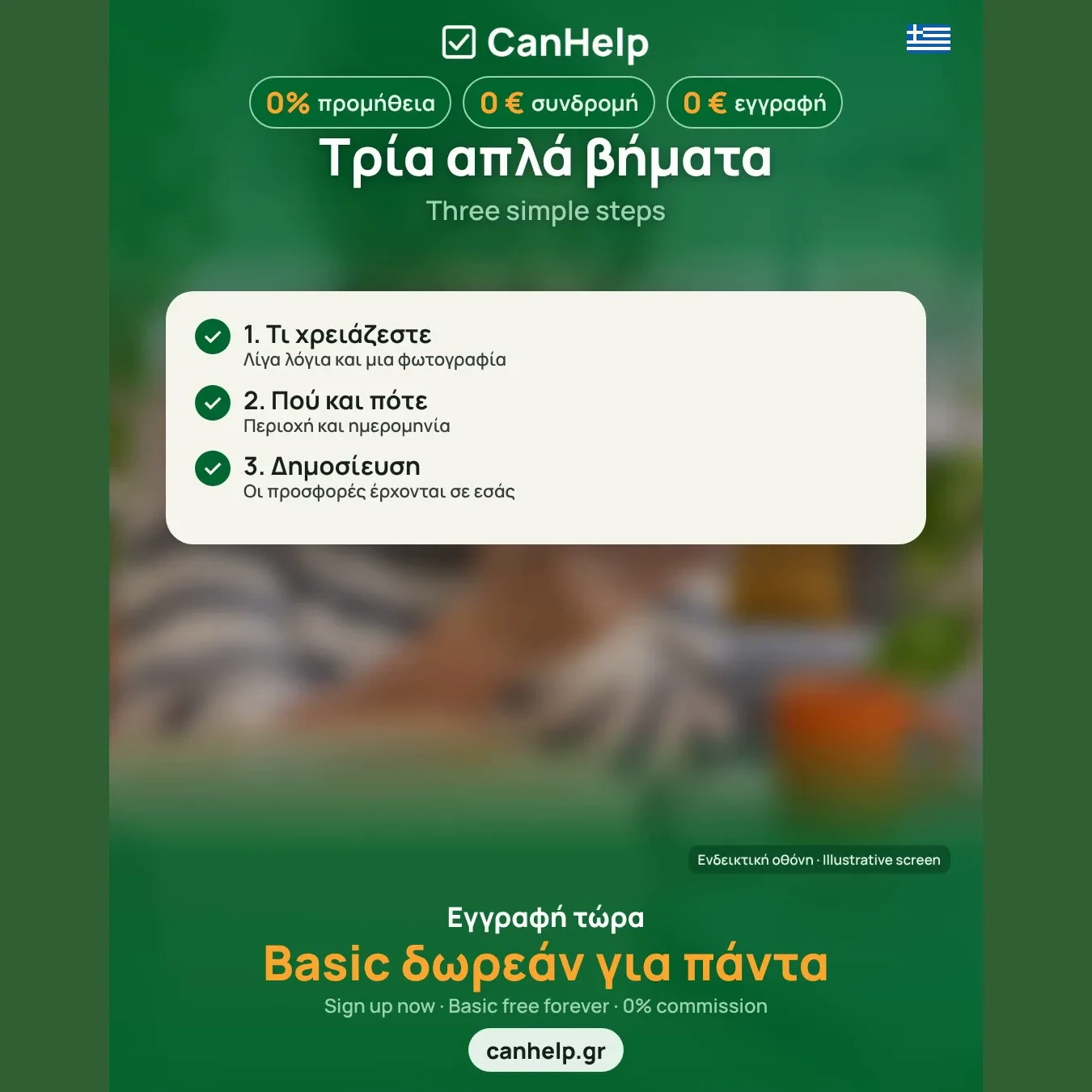
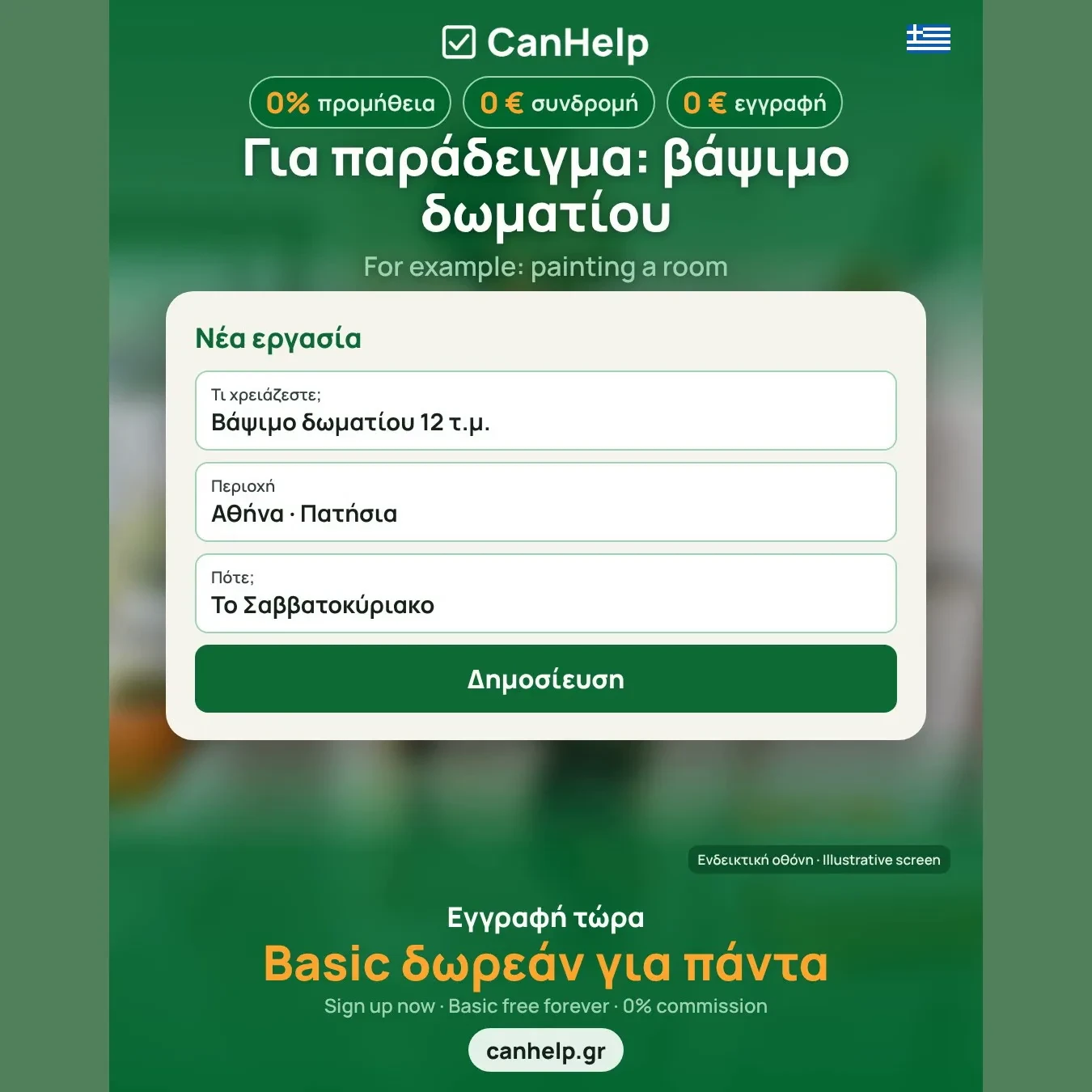
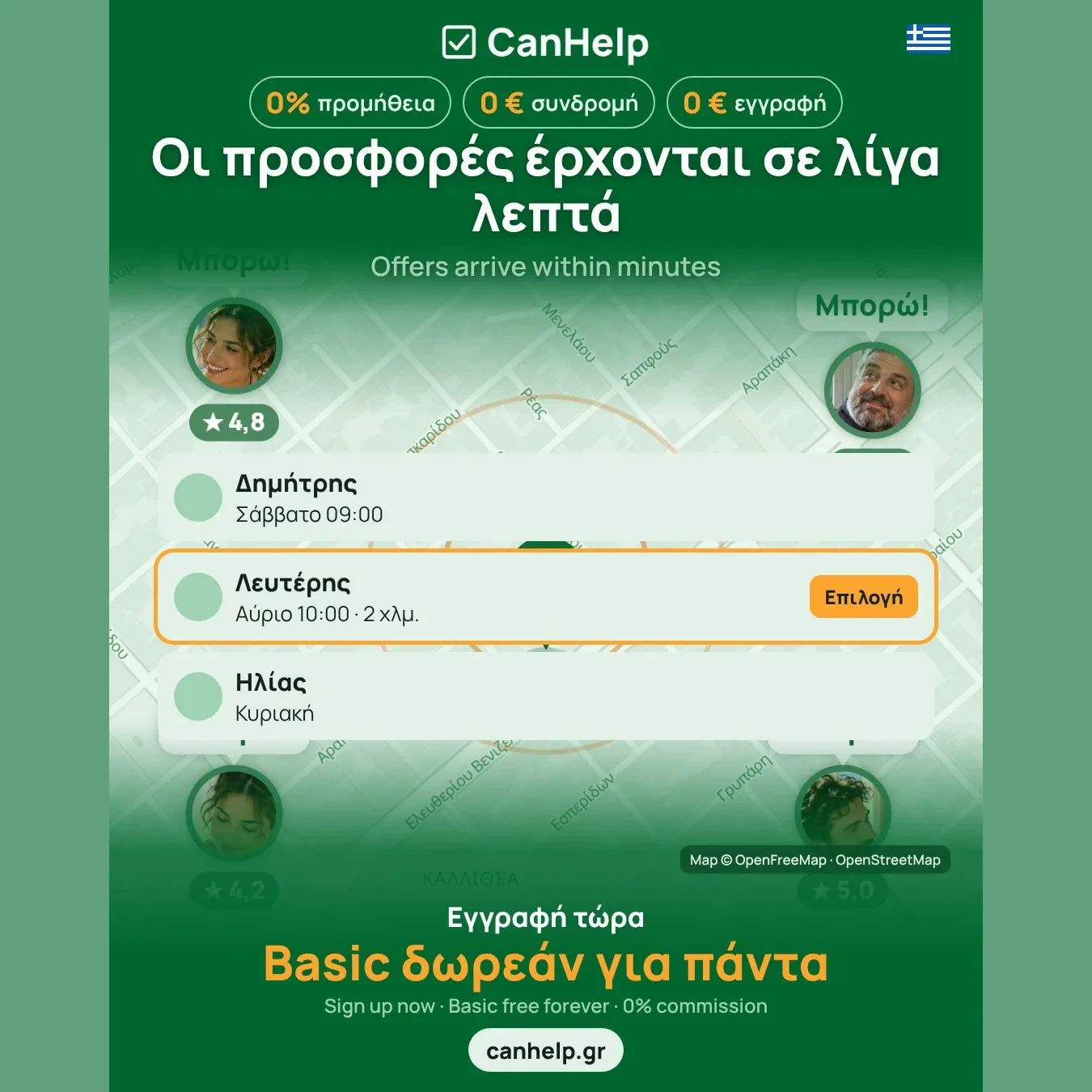

CanHelpNew job on CanHelp in a minute Do you want to describe a need of yours and receive offers from professionals near you? On CanHelp, you can post a job for free, mentioning what you need, where you are located, and when it suits you. Professionals see the job on the map and can send you an offer. What to write in the new job Start with a clear description of the outcome you want. If you're thinking 'I'm looking for a technician near me,' explain what needs repairing and where it is. For example, you might mention that a door doesn't close properly or that you need help assembling a piece of furniture. Specific information helps the professional understand your request. For cleaning, describe the area and the tasks that interest you. For a move, specify what you want to be transported and from which location to which other. If you're looking for lessons, write the subject, the level, and whether you prefer them to be held at your place or remotely. For beauty services, explain what service you're looking for and where you'd like it to take place. You don't need to know the technical name of a problem. Describe in simple terms what you observe and add any details you think are useful. If you're unsure about something, you can mention it and ask for clarifications in the discussion. Area and suitable time When someone is looking for 'help with moving in Athens' or 'cleaning near me,' the area is a key element of the request. Write where you need the service, for example in Glyfada, Kifisia, Marousi, Peristeri, Chalandri or Piraeus. You can also post a job if you are in Thessaloniki, Patras, Heraklion or Larissa. Add when it suits you for the job to be done. You can mention specific days or times, or explain that you have flexibility. If it’s for lessons or cleaning that you want to be repeated, write how often you need it. Discuss the details of the address and the exact time directly with the professional in chat. Which photos to add A relevant photo can explain something that is hard to describe with words. For a repair, show the spot that needs attention and, if useful, the surrounding area. For furniture assembly, you can photograph the furniture or the parts. For moving, an image of the items helps clarify the description. Choose clear photos related to the job and avoid showing personal documents or other information that you don’t need to share. Images complement the text: write what exactly you are asking for, so that the professional doesn’t have to guess. Posting and offers on CanHelp To post a new job on CanHelp, describe your need, the area, and the time that suits you, and add relevant photos. Posting the job is free. Professionals near you will see it on the map and can send you an offer. When you receive offers, check the profile and the reviews and chat directly with your questions. You can clarify what is included in the job, when it can take place, and what the price is. The price and payment are agreed directly between you and the professional. The platform's commission is 0%. Frequently asked questions How much does it cost to post a job? Posting a job on CanHelp is free. You agree on the price of the service and the payment method directly with the professional. Can I post a job if I don't know exactly what is needed? Yes. Describe what you observe, add relevant photos, and ask for clarifications in the discussion. What can I write if I'm looking for a professional in Athens? Mention the area, the service you need, and the days or times that suit you. For example, you can describe a repair in Chalandri or lessons in Marousi. How do I choose among the offers? Look at the profile and reviews and discuss the details in chat. Compare what interests you, like the subject of the job, the price, and availability. Can I ask for help with different needs? You can describe jobs like repairs, cleaning, moving, lessons, or beauty services. In any case, provide the information needed for your request to be understood. Sign up at canhelp.gr, post your job for free, and chat directly with professionals. CanHelp is also available as an app for Android and iPhone.
← All posts