CanHelp
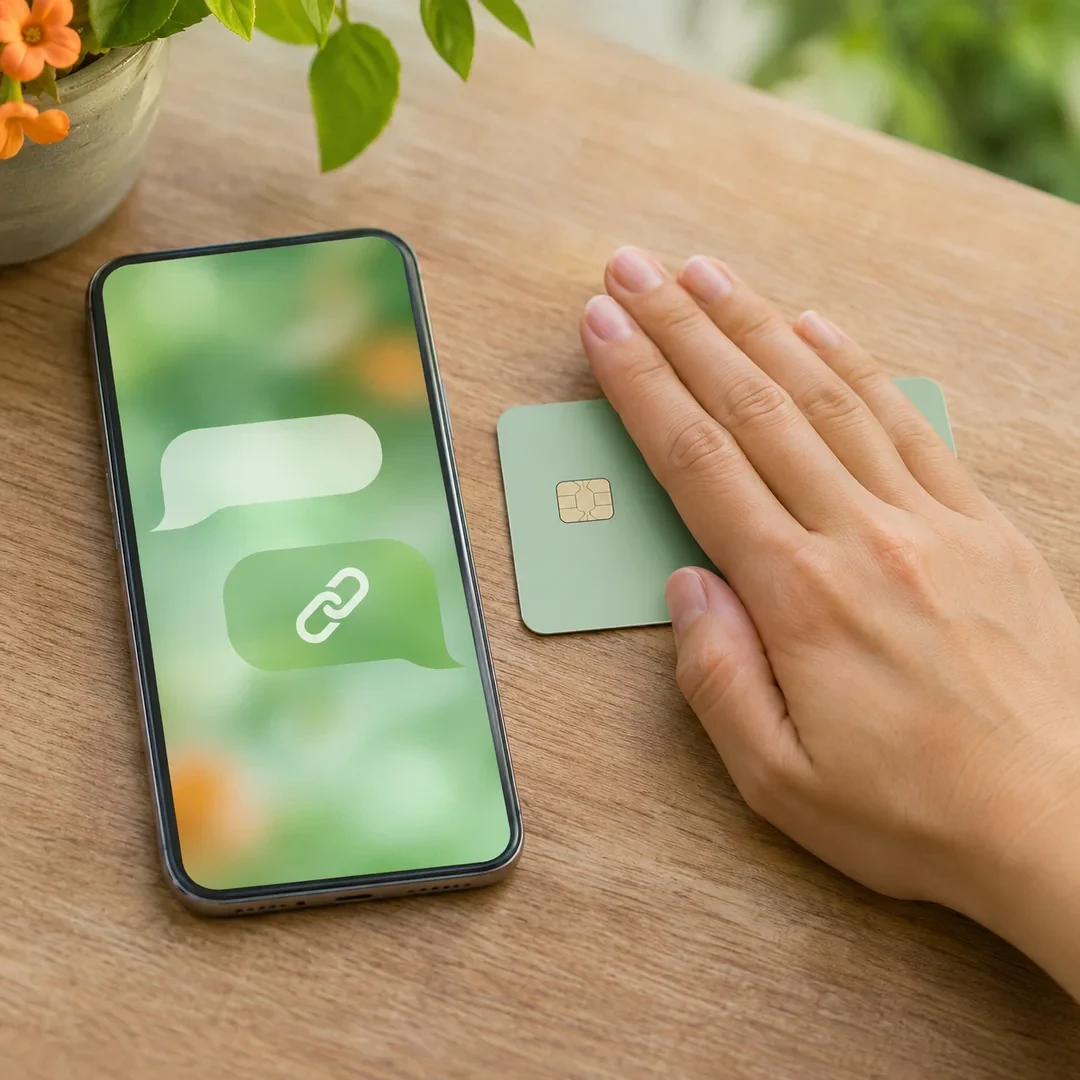
CanHelpFake payment link scams: spot the warning signs You are arranging a job or waiting to be paid when a text arrives asking you to follow a link and enter your card details. A fake payment link scam can target both customers and professionals, turning an ordinary conversation about work into a request for sensitive banking information. How the message draws you in The sender may say you must “receive your payment” or “confirm the order” through a link sent by SMS or a messaging app. They present the page as a necessary step before the job can proceed. Sometimes they add pressure, claiming that you will lose the booking unless you act immediately. When you are looking for work in Athens or searching for “jobs near me”, an interested customer can feel like welcome progress. Pause before following their instructions. Ask yourself how this new requirement fits the agreement you already discussed. Knowing your name, your service or the neighbourhood where you work does not establish that the sender is trustworthy. A convincing story still needs checking. Warning signs to notice before entering anything Pay attention when the conversation suddenly shifts from discussing the task to collecting card information. A request to enter your card security code, banking password or a one-time code on an unfamiliar page should make you stop. Read the description attached to any banking confirmation: do not assume it authorises an incoming payment simply because the sender says so. Check whether the message actually matches the stage of your booking. If you have not agreed on the work, why is someone asking you to confirm payment? Familiar logos, polished design and a name resembling a known service do not prove that a page is legitimate. Pressure to leave the original conversation also deserves scrutiny, especially when the sender avoids straightforward questions. What to say and how to check Do not fill in the linked form or copy information from your banking app into it. If you need to check whether money has arrived, open your banking app yourself. Return to the original conversation to confirm the task, the agreed payment method and who you are dealing with. You can write: “I do not enter card details through payment links. Please confirm the job and payment arrangement here.” If you are wondering how to find clients in Greece, use this boundary consistently, whether the enquiry concerns Glyfada, Piraeus or Thessaloniki. You can ask reasonable questions without accepting urgency as a reason to disclose information. If the person keeps demanding codes instead of discussing the work, stop the exchange. If you clicked or shared information If you only opened the page, close it without entering information, downloading files or accepting further prompts. If you entered card details or banking credentials, or approved an action, contact your bank immediately through its app or an independently known official contact channel. Explain exactly what you entered and whether you confirmed anything. Keep the original message, sender details, link address and screenshots of the conversation without reopening the page. Do not send complete card details to the person as “proof” of the problem. If you disclosed a password you also use elsewhere, change it on those accounts by opening each service directly. Be cautious about follow-up messages offering to fix the situation through another link. Keeping job arrangements clear on CanHelp On CanHelp, you publish a task for free. Nearby professionals see it on the map and send offers; you review profiles and reviews, then agree on the price and time directly in the chat. Price and payment are arranged directly between the customer and the professional. Keep the task description, questions and agreed terms in that conversation so you can refer back to them. This helps you follow what was actually discussed, but does not authenticate an external payment page. A text mentioning CanHelp should not be treated as proof that the platform sent it. Check unexpected instructions against the conversation you started yourself. For professionals looking for local work Complete your profile and look for nearby tasks with clear requirements. CanHelp charges 0% platform commission, and Basic is free forever for those registering now. Discuss payment arrangements directly with the customer while keeping banking passwords and confirmation codes out of job conversations. Frequently asked questions Do I need a payment link to receive money? Do not assume an unfamiliar link is required. Confirm the payment method you actually agreed with the customer. Can I trust a page with a familiar logo? A logo alone proves nothing about who controls the page. Check the request independently. What if someone asks for a one-time code? Do not share it or enter it on their unfamiliar page. Read what action the code relates to. What if the sender knows my job details? Those details do not establish their identity. Return to the original conversation before acting. Where should we agree on the booking? Use the CanHelp chat to discuss the task, price and time directly. Keep sensitive banking credentials private. Register at canhelp.gr to post a task or find work nearby. The CanHelp app is available for Android and iPhone.
← All posts