CanHelp
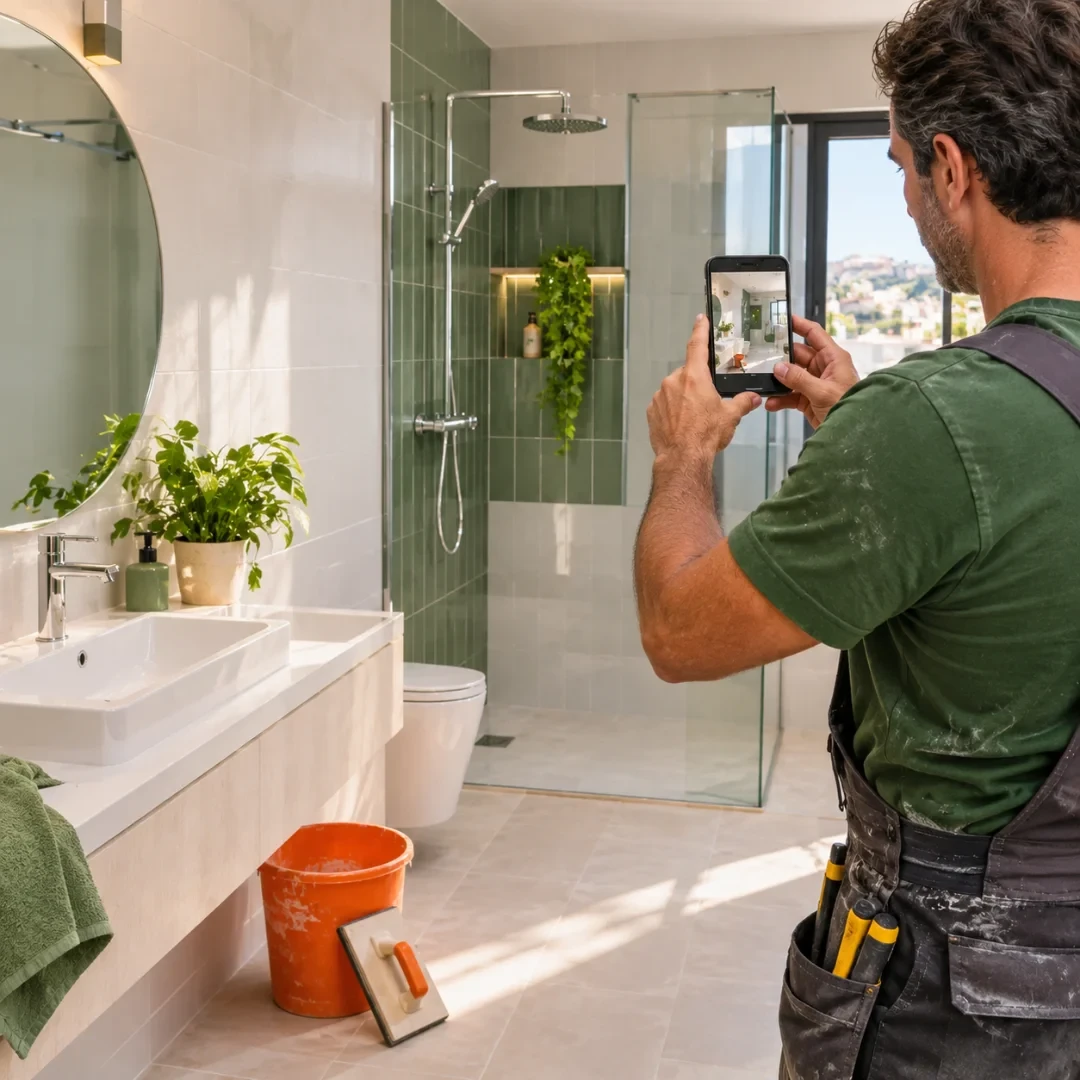
CanHelpWork photos in your profile: before and after Work photos in your profile help potential clients understand what you do and what your finished work looks like. When someone searches for “looking for a professional in Athens,” clear examples can answer practical questions about your experience, attention to detail and suitability for their task. Show a fair before-and-after comparison Choose examples that match the services you want to offer. Painting, cleaning, repairs and garden maintenance can often be explained through an initial photograph and a finished view. Take both pictures from a similar position, keeping the distance and angle as consistent as possible. Include a recognisable reference point, such as a doorway or the corner of a wall. This makes the comparison easier to follow. If you forgot to photograph the original condition, show the finished work and explain that the image records the result. Avoid presenting unrelated spaces as a single transformation. Use a wider view to explain the setting and a close-up to show a relevant detail. Someone searching for “painter near me” in Marousi may want to see the finish around an edge. A client looking for cleaning in Glyfada may find a clear view of the actual surface more useful than a dramatic camera angle. Use light that reveals the work Soft daylight is a useful starting point. Position yourself so that a bright window is not directly behind the area you are photographing. Strong backlighting can hide details, while direct glare can make a clean surface difficult to assess. Clean your phone lens, hold the device steady and check the photograph before leaving. Look for blur, shadows from your body and reflections that obscure the result. If an important feature remains unclear, take another view rather than relying on a vague caption to explain it. Keep lighting reasonably similar across the before-and-after photographs. Avoid filters that change paint colours or editing that removes defects. Small adjustments should help people see the image clearly without changing what the work actually looks like. A useful portfolio sets realistic expectations about the service you provide. Protect clients and write useful captions Ask the client for permission before photographing a private space and publishing the images. Agree on what may appear. Check for faces, family photographs, paperwork, names on doorbells, addresses, vehicle registration plates and screens containing personal information. Mirrors and windows can reveal details outside your intended frame. If personal information appears, choose another angle or crop it out before posting. Leave exact addresses out of captions. A general area can provide context when the client has agreed to that description, but the location should not identify their home unnecessarily. Explain the task, the original issue and the detail shown. For example: “Interior wall painting in Chalandri: surface preparation and finished edges.” Use this wording only when it accurately describes your work. If you are wondering how to build a professional profile in Greece, specific descriptions are a practical place to start. Avoid repeating search phrases mechanically. A natural explanation of a repair in Peristeri or garden maintenance in Kifisia gives readers more information than a caption filled with place names. Credit your actual contribution if other people worked on the same project. How your photographs support a CanHelp offer On CanHelp, a client publishes a task for free. Nearby professionals see it on the map and send offers. The client reviews profiles and reviews, then discusses the price and timing directly with the professional in chat. Price and payment are agreed directly between the client and professional. When replying to a relevant task, explain which example in your profile resembles the client’s situation. Someone looking for a professional in Piraeus can then understand why that photograph matters. Keep the explanation specific to the request and avoid implying that one example covers every possible service. For professionals seeking nearby work Keep your profile current and look for tasks that match the services you provide, whether you work in Athens, Thessaloniki, Patras, Heraklion or Larissa. CanHelp has a 0% platform commission. Basic is free forever for the first people registering now. Frequently asked questions Does every task need before-and-after photos? No. A clear photograph of the result is useful when you explain the work and do not suggest that an original photograph exists. Can I use my phone? Yes. Focus on clear light, a clean lens and a steady view of the relevant area. What should a caption include? Describe the service and the feature visible in the photograph. Mention the general area only when the client has agreed. Can I use another professional’s photographs? Do not present someone else’s work as your own. Show projects you actually worked on and describe your contribution accurately. What if a photograph reveals client information? Reframe or crop the image before publishing it. If you cannot remove the identifying details, leave that photograph out. Register at canhelp.gr, organise your work photos and look for tasks near you. The CanHelp app is available for Android and iPhone.
← All posts